
Import the workbook directly
Google Sheets accepts Excel workbooks. You do not need to create a CSV first to review the downloaded contacts with your team.
Google Sheets workflow
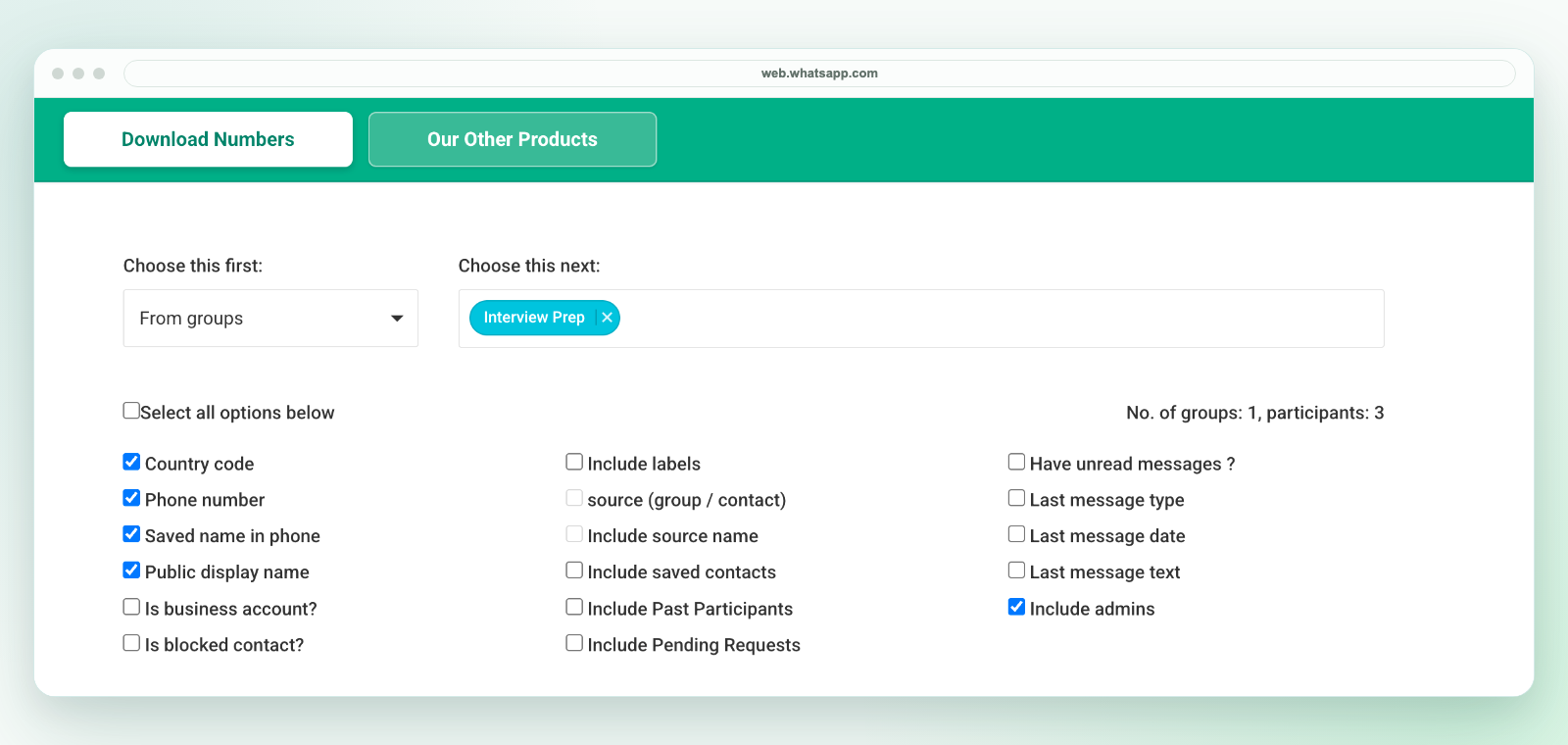
Download visible WhatsApp Web contact details to an Excel workbook with WA - Download Group Phone Numbers in desktop Chrome. Import the workbook into Google Sheets for shared review, then download a CSV copy if your next system needs one.
Google Sheets accepts Excel workbooks. You do not need to create a CSV first to review the downloaded contacts with your team.
Review phone numbers, names, country-code context, and source details before importing into Google Contacts, CRM tools, or internal systems.
Many teams collect useful contact context in WhatsApp groups, then need a shared spreadsheet for cleanup. Google Sheets works well when multiple people need to review rows, remove duplicates, add owner columns, tag source groups, or prepare a clean CSV for another system.
Google documents these workbook import options in its Excel and Sheets guide. This is a manual file handoff, not live sync with WhatsApp.
Keep the original workbook. Check leading zeros, country codes and long numbers after import. Set phone-number columns to plain text before entering or pasting values; changing the format cannot recover digits already lost. Keep access restricted to the teammates who need the contact list.
Google Contacts import workflows are strict about clean columns. Before importing anything, confirm that the exported rows are authorized for your use case, remove contacts you should not process, and map fields carefully. This extension prepares spreadsheet data; it does not perform native Google Contacts sync.
The extension runs in desktop Chrome, not on Android or iPhone. It exports only details available to your signed-in WhatsApp Web session and cannot reveal hidden numbers. A visible number is not consent to marketing. Review authorization before processing or sharing contacts. See privacy, support and current plans and activation instructions.
This workflow fits sales lead cleanup, coaching-center inquiry groups, school parent lists, real estate buyer groups, retail customer groups, event attendee lists, recruiting groups, and community operations where a shared spreadsheet is the practical handoff.
For Excel workflows, see WhatsApp contacts to Excel. For workbook-to-CSV conversion, see export WhatsApp group members to CSV. For CRM import planning, use the WhatsApp CRM import template.