
Broadcast recipients
Prepare recipient rows from broadcast contexts your WhatsApp Web session can access, then review the exported file before any follow-up.
Broadcast list export
Use WA - Download Group Phone Numbers to prepare visible WhatsApp Web broadcast recipient details for spreadsheet review, dedupe, segmentation, and responsible campaign handoff.
Prepare recipient rows from broadcast contexts your WhatsApp Web session can access, then review the exported file before any follow-up.
Use the workbook to dedupe phone numbers, add owner and campaign columns, and keep broadcast follow-up separate from group-contact exports.
If your business already uses broadcasts for authorized customer updates or event reminders, a spreadsheet can help reconcile available recipient details with your existing list. This is a best-effort export, not a broadcast sender or a guarantee that every recipient will be available.
The extension depends on broadcast context and message information available in the current browser session. It asks for the broadcast list name and last message sent. A missing list or unavailable recipient data cannot be recovered by typing a name alone. Check that the list is available before purchasing specifically for this workflow, and contact support if it is not.
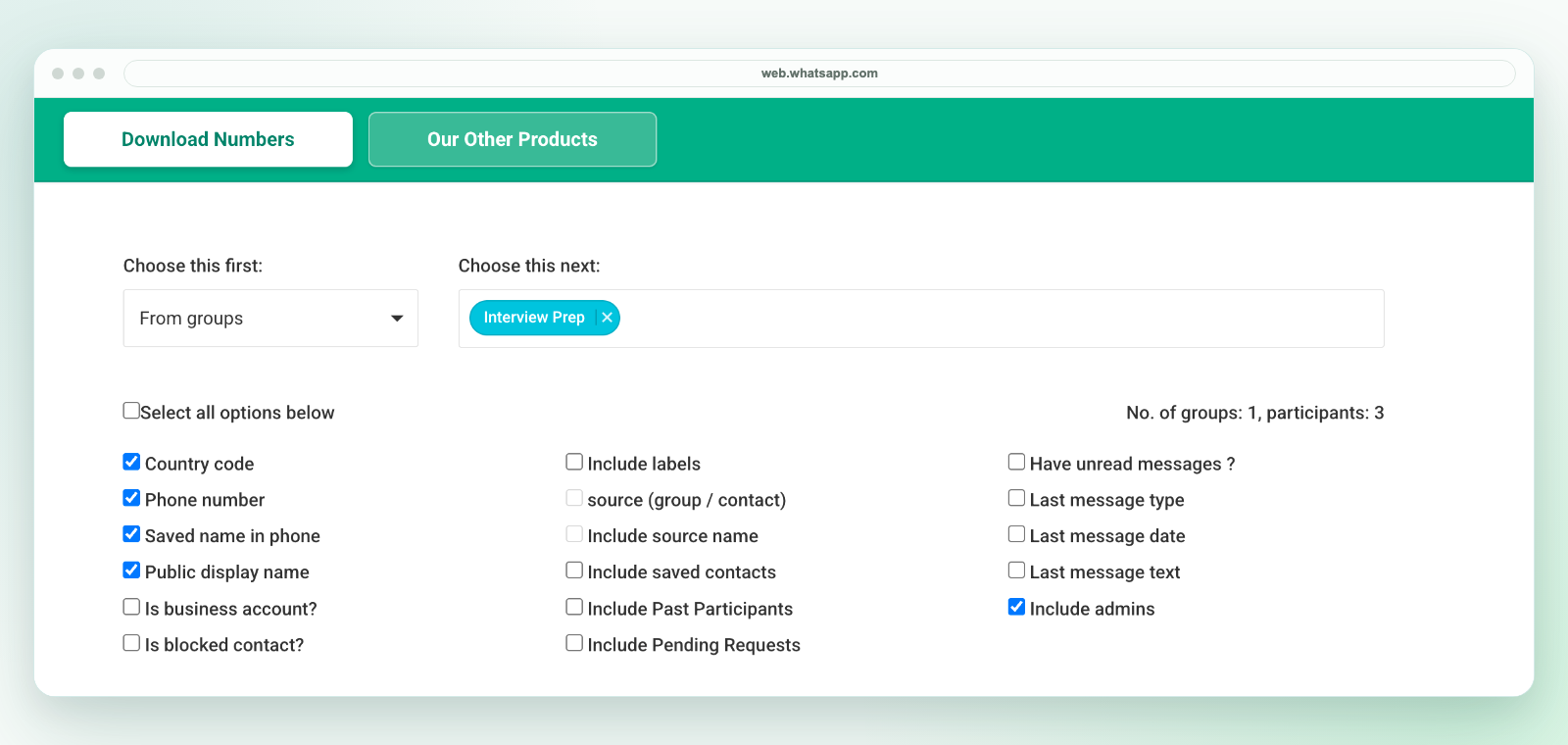
The extension downloads an Excel workbook, not a direct CSV file. Review the selected worksheet in Excel and use Save As to create a CSV UTF-8 copy if your next system needs CSV. Keep the original workbook, preserve phone numbers as text and test a small batch before import. See the CSV conversion guide.
For example, an event team can compare the exported rows with registered attendees before handing an approved reminder list to an owner. Recipient membership is not delivery confirmation, consent or proof of purchase. Missing details and unsaved names should be reviewed, not guessed.
For label-based segmentation, see WhatsApp Business label contact export. For group lists, see export WhatsApp group contacts. For spreadsheet cleanup, see WhatsApp contacts to Excel.