
What it extracts
Use the extension to export visible WhatsApp Web group contact details such as phone numbers, public display names, saved-contact names, country-code context, source group details, and selected message context when available.
Contact extractor
WA - Download Group Phone Numbers downloads visible WhatsApp Web contact details into an Excel workbook instead of copying each number by hand. Review names, phone numbers and source fields before your next step.
Use the extension to export visible WhatsApp Web group contact details such as phone numbers, public display names, saved-contact names, country-code context, source group details, and selected message context when available.
Download an Excel workbook for cleanup and team handoff. If your next system needs CSV, save a reviewed CSV copy from Excel or Google Sheets.
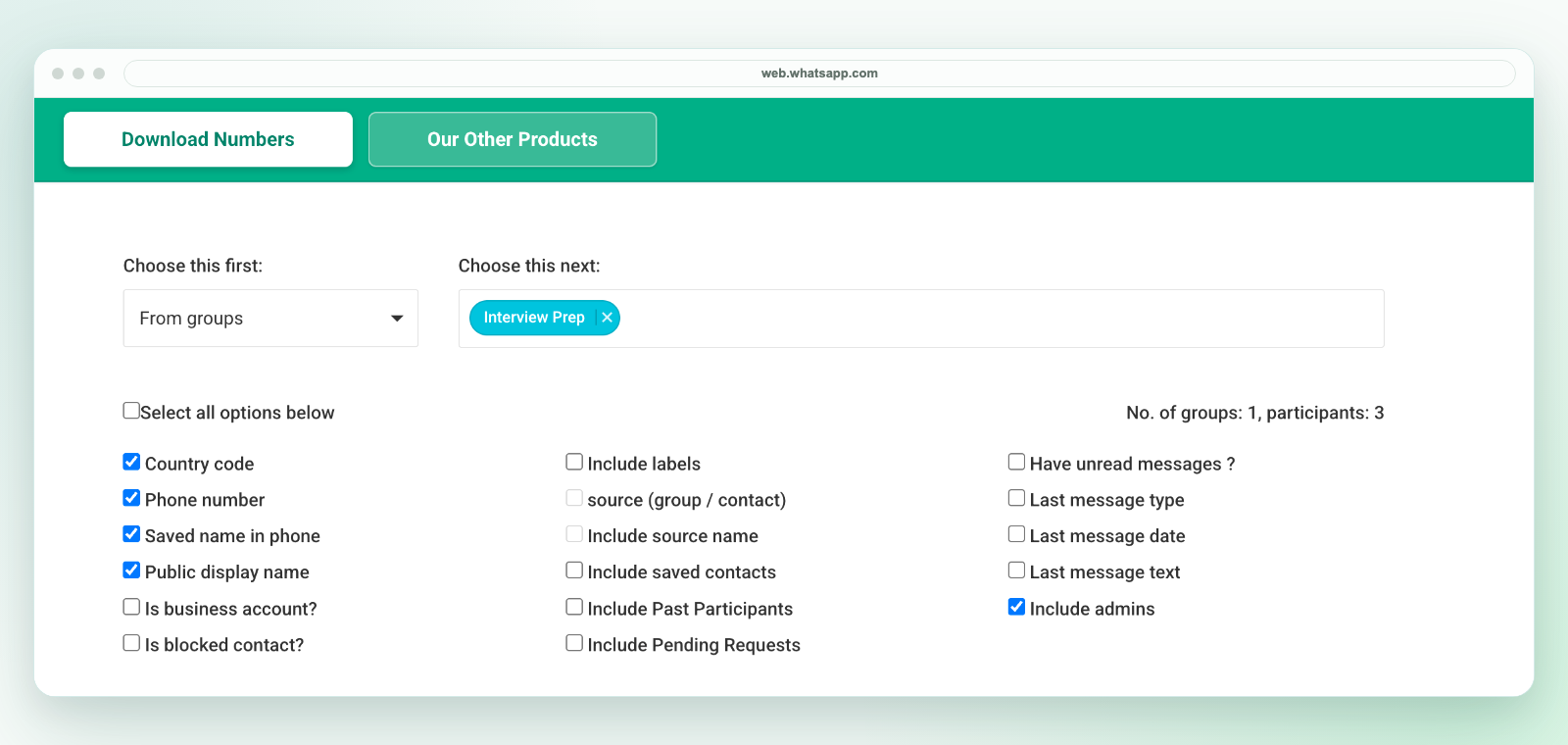
The extension downloads an Excel workbook, not a direct CSV file. In Excel, review the selected sheet and use Save As to create a CSV UTF-8 copy if your next system requires it. Keep the original workbook and import phone numbers as text. For shared review, you can import the workbook into Google Sheets directly.
This is a desktop Chrome extension, not an Android or iPhone app. It only uses contact information available to your signed-in WhatsApp Web session. A selected field may be blank, and hidden phone numbers or unavailable private details cannot be revealed.
The exporter creates a file. It does not automatically sync a CRM, assign owners or send messages. Review current prices and activation instructions, privacy and support before purchasing full-export access.
A visible number is not consent to marketing. Export only contacts you are authorized to handle, retain only necessary fields and review permission before follow-up. WA - Download Group Phone Numbers is independent and is not affiliated with WhatsApp or Meta.
See group contact export, phone-number downloads, Excel review and contact export alternatives.