
Batch groups
Export student or parent numbers from class, batch, admissions, and alumni WhatsApp groups.
Education and coaching
Coaching centers, schools, colleges, training institutes, and tuition teams often manage batches through WhatsApp groups. The extension helps turn those groups into structured contact files.
Export student or parent numbers from class, batch, admissions, and alumni WhatsApp groups.
Prepare inquiry and applicant lists for counselors to call, message, or review responsibly.
Sort by name, country code, group, saved contact, or internal batch notes after export.
Coaching centers often manage admissions, class batches, parent communication, alumni updates, event reminders, and fee follow-up through WhatsApp groups. When those groups become operational lists, exporting visible contacts into Excel gives the admin team a cleaner way to review and assign work.
A group name does not prove enrollment, course, fee status or a parent-student relationship. Match reviewed phone numbers with the records your team already maintains. Add counselor and next-action fields yourself and share only with staff who need the list.
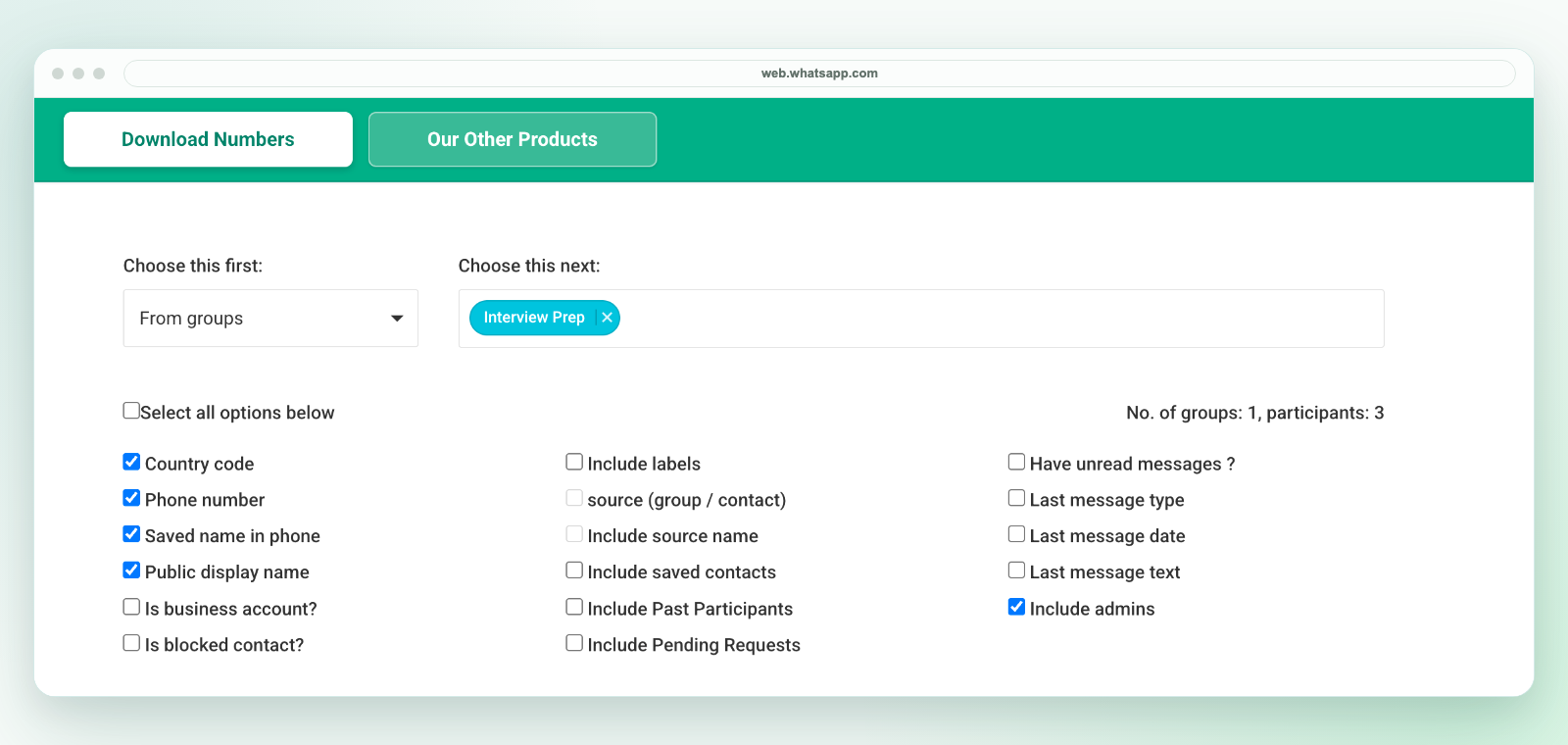
In desktop WhatsApp Web, launch WA - Download Group Phone Numbers from the Chrome toolbar. Choose From groups, select an authorized group and the available fields, then download an Excel (.xlsx) workbook. Check a small sample against the group and keep the original file.
The extension saves an Excel workbook, not a direct CSV file. If another system requires CSV, review the selected worksheet in Excel and use Save As to create a CSV UTF-8 copy. Preserve phone numbers as text, map destination fields and test a small batch before import. Follow the CSV conversion workflow.
Export only details available to your session and authorized for your purpose. A visible number is not consent to marketing. See current plans and activation instructions or contact support before purchasing for a specific workflow.
For school-specific workflows, see school WhatsApp contact export. For Excel cleanup, see WhatsApp contacts to Excel. For broader group exports, see export WhatsApp group contacts.